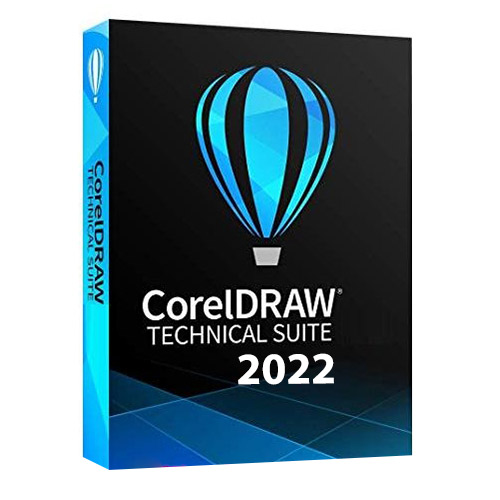
Overview of CorelDRAW Technical Suite 2022 Features
- Enjoy a full suite of professional applications that covers all aspects of visual communication authoring, project creation and publishing of technical documentation.
- Apply exacting specifications to design visually detailed assembly instructions, complex user manuals, multi-faceted documentation and technical marketing with versatile design tools.
- Achieve unsurpassed productivity with new high-caliber features, increasing workflow efficiency and effectively delivering multi-lingual technical communication.
- Explore groundbreaking tools for sketching and illustration to demonstrate your technical authoring expertise and impress your audience.
- Experience a seamless workflow, from opening source files, such as 2D, 3D, photo, documents and data, to supporting output for print, online and mobile.
Additional content includes
– 7000 clip art, digital images, and vehicle templates
– 1000 high-resolution digital photos
– Over 1000 TrueType and OpenType fonts
– 150 professional templates
– Over 600 fountain, vector and bitmap fills
Product Details and Requirements
- Full Version Software
- Lifetime Access!
- Supported OS: Windows 11/10 / Windows 8.1 / Windows 7
- Processor: Multi core Intel Series or above, Xeon or AMD equivalent
- RAM: 4GB (8GB or more recommended)
- Free Hard Disk Space: 8GB or more recommended











Daniel –
The best one yet easy to use and great to work with